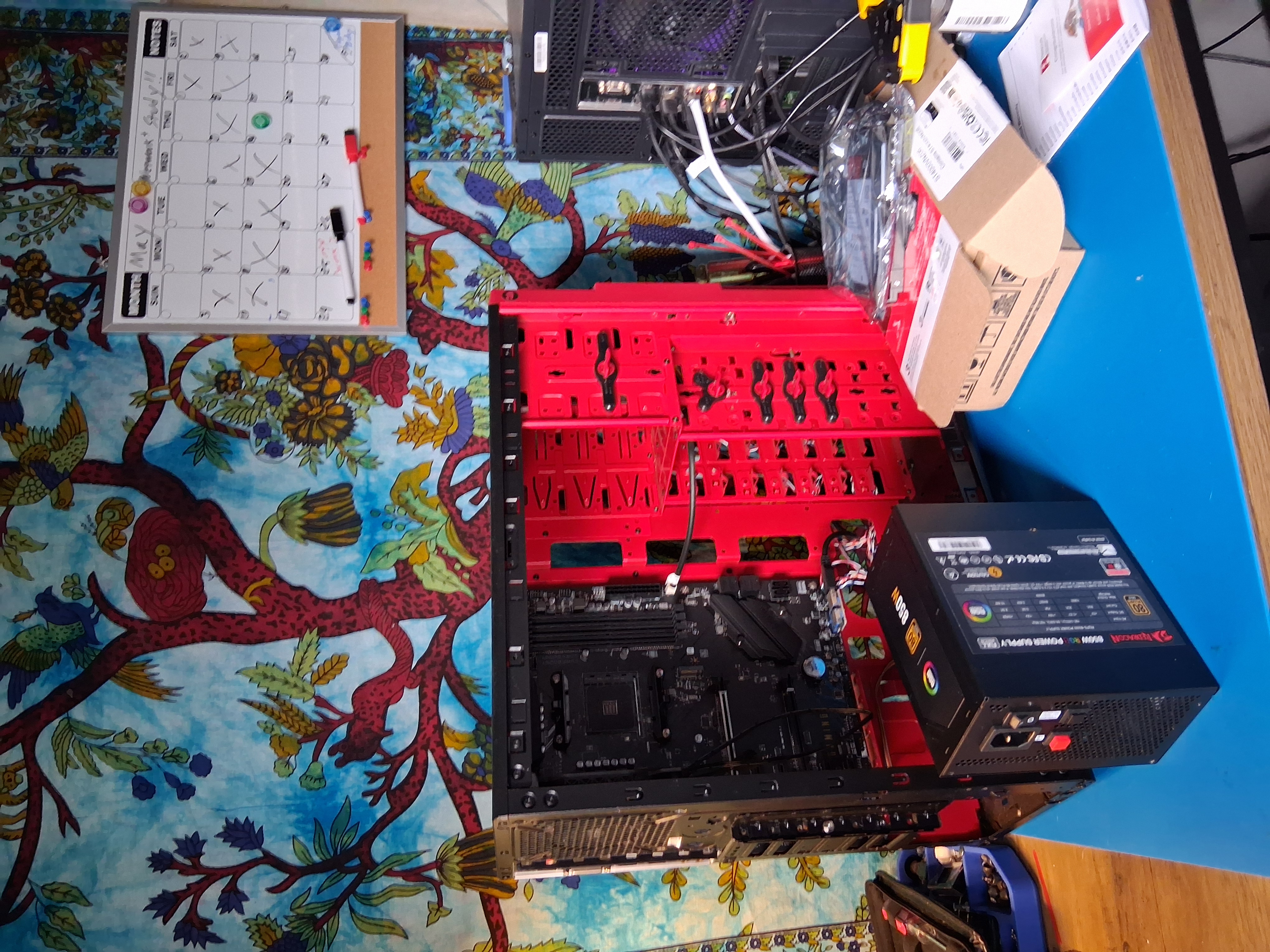
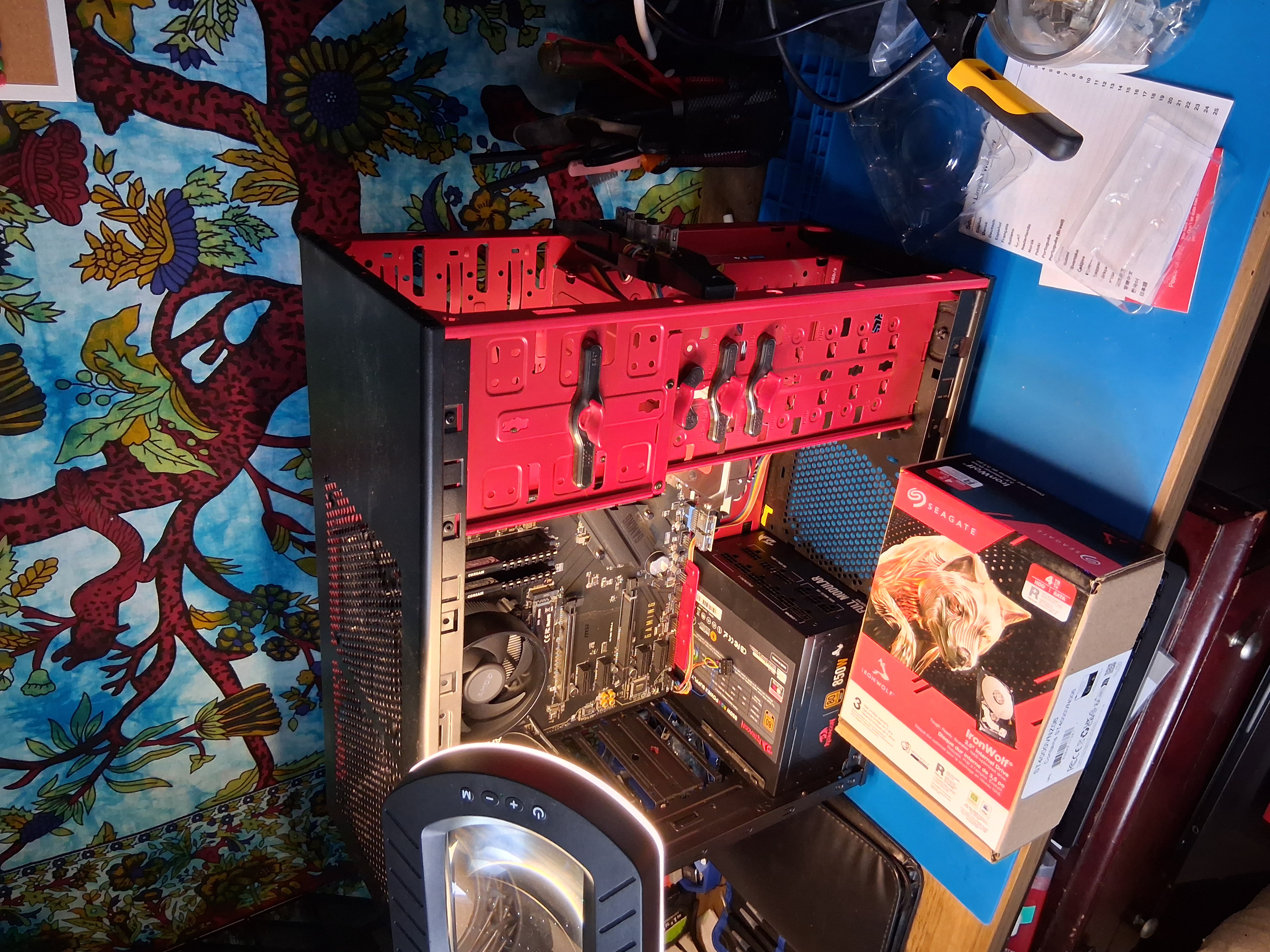
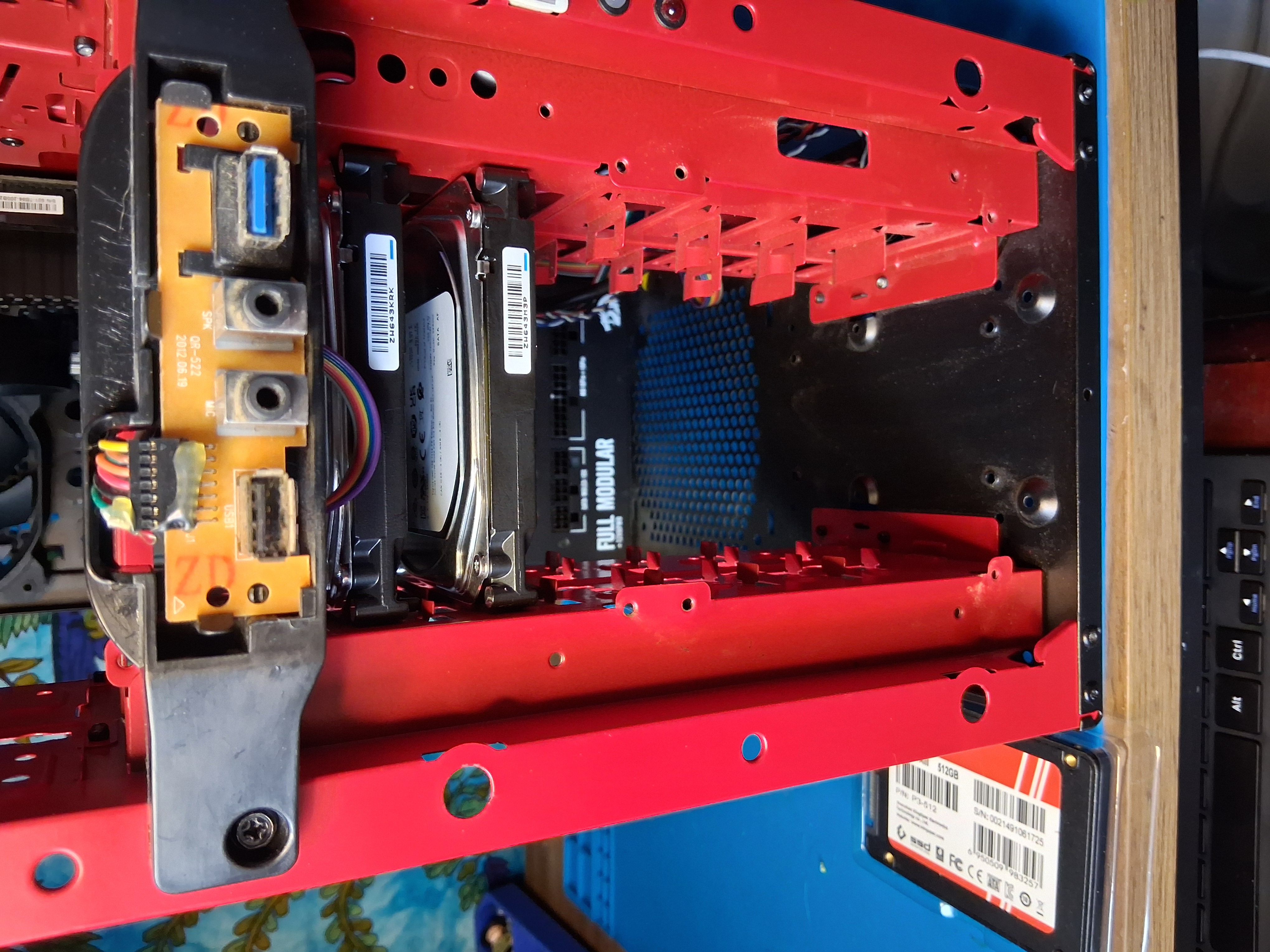
Red Case Project
Overview
This page covers the Red Case project. More details will be added soon.
Project Summary
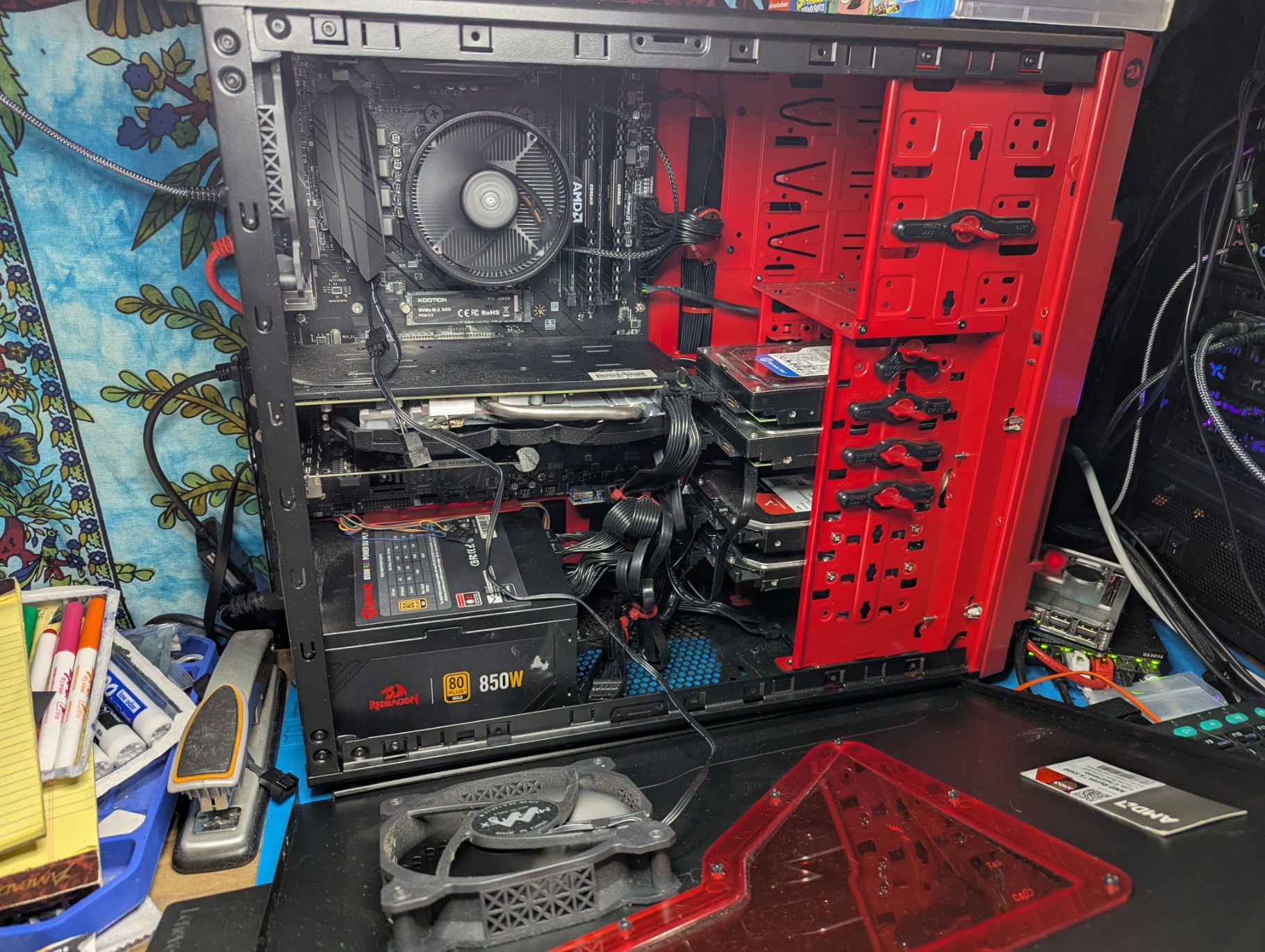
Red Case started as a way to turn old gaming PC parts into something useful while giving myself a real environment to practice networking concepts. Instead of buying dedicated server hardware, I repurposed components I already had, added a few targeted upgrades, and built a functional home server that supports media hosting, security cameras, smart home integration, and a self-hosted website.
The goal wasn’t just to build a server — it was to create a learning platform. Red Case gives me a place to apply Network+ topics like IP addressing, subnetting, secure remote access, service routing, and basic network segmentation in a real, working system.
Hardware Used
- CPU: AMD Ryzen 5 5500 with the included stock cooler
- GPU: AMD Radeon RX 580, 8 GB
- Memory: 32 GB Corsair DDR4 RAM
- Motherboard: MSI B550 ATX
- Storage: Two 256 GB hard drives configured for software RAID and security camera recording
- Storage: One 500 GB 2.5-inch hard drive, cleaned but not yet assigned a final use
- Boot drive: 256 GB Gen 3 NVMe drive for the operating system and Docker software
- Media storage: Two 4 TB Seagate IronWolf hard drives for Jellyfin media and media backup
- Cooling: Three 120 mm fans and one 140 mm fan, with Noctua fans used as the main intake fans
- Case: Older large gaming case with high airflow
- Networking: Four-port network interface card
The four-port NIC is the key networking component — it allows me to segment traffic, isolate services, and experiment with multi-interface setups in a way that mirrors small-scale production environments.
Security Camera Hardware
To support a small outdoor camera network, I added:
- Five-port passive PoE switch
- Three outdoor PoE cameras
- 200 ft shielded Cat6 cable with shielded RJ45 connectors
- Outdoor RJ45 boots (still needed)
This setup gave me a chance to work with PoE, cabling standards, and network isolation — all topics that appear in Network+.
Build Notes
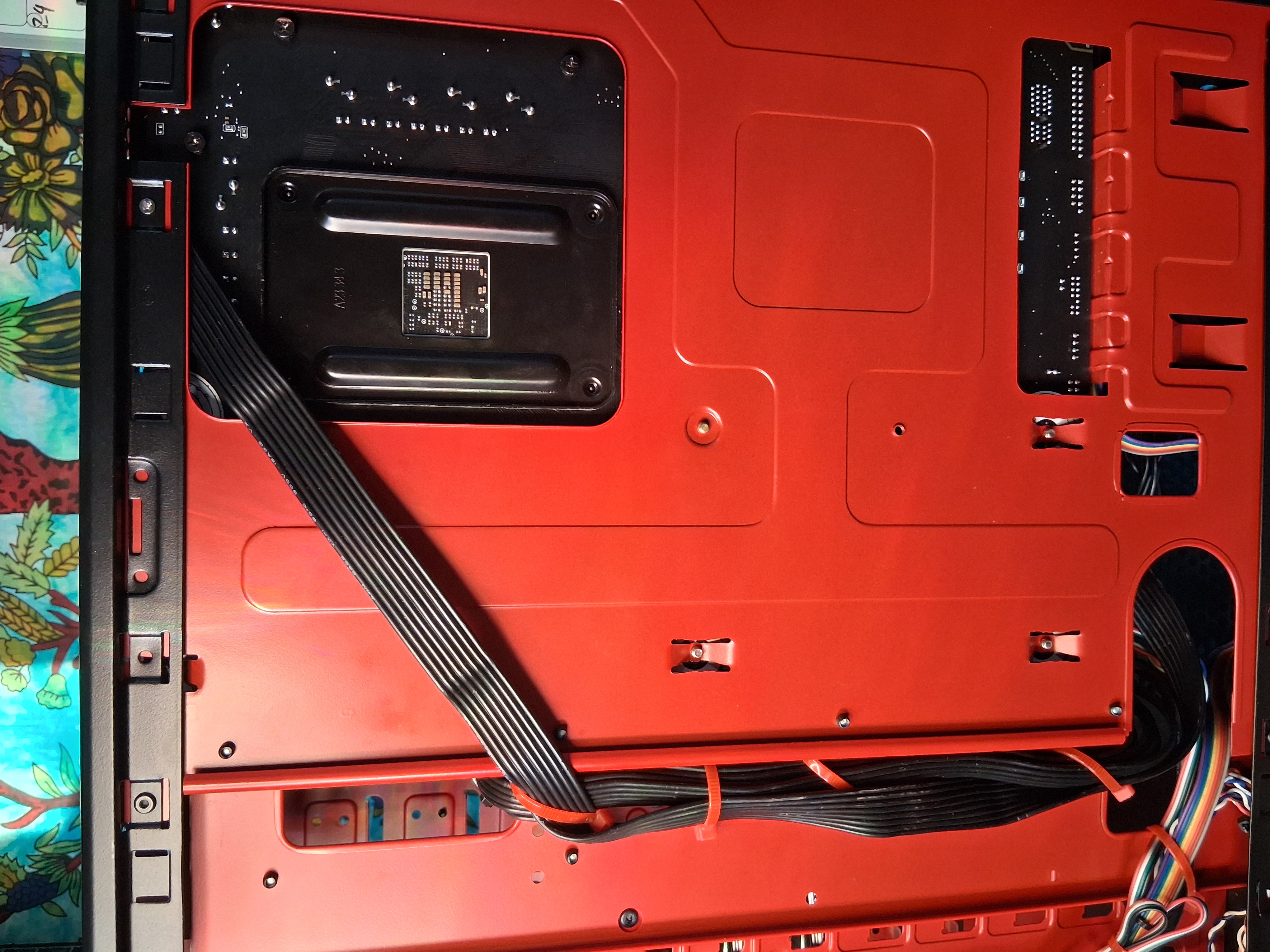
The physical assembly was straightforward since most parts came from older systems. The real challenge — and the real learning opportunity — came from the networking and software configuration. Setting up multiple services, assigning static IPs, configuring storage, and securing remote access required applying the same concepts covered in Network+ training.
Operating System and Services
Red Case runs several self-hosted services on Ubuntu Server, managed through Docker:
- Jellyfin — media hosting
- Frigate — three-camera security system
- Home Assistant — smart home integration
- Cloudflare Tunnel — secure remote access without exposing public ports
- Self-hosted website — personal portfolio and project documentation
Each service touches different networking concepts: ports, protocols, routing, segmentation, and secure access. Red Case gives me a practical environment to reinforce what I’m studying while building something genuinely useful.
Next Steps
As I continue studying for Network+, I plan to expand this documentation with sections that connect Red Case to specific networking topics, including:
- IP addressing and subnet boundaries
- Ethernet switching behavior
- PoE and cabling standards
- Secure remote access and Zero Trust
- Service routing and internal DNS
- Basic network segmentation
Build Progress